
LIVE PROJECT
Gorgeous Viewing
Experiences.
Integral to Indee's product - is its viewing experience section. The part of the product that viewers of screeners (sent by networks and studios) use to actually view the content.
This is basically a glorified video player. The flow ends with the user watching the content, but is supplemented with various other tidbits of information that they may find useful at any given point.
While the crux of it remains the same, largely, the viewing platform is basic for SaaS users, and much more detailed for Enterprise.

SaaS - Architecture
The flow is quite simple - a sender sends you an email or a link asking to come view their screener. Upon clicking on the link, a separate tab opens up, sending you straight into the screening room - where all content (limited to one title) can be viewed. This screening room design is basic for all SaaS customers. But it's designed in a way where it can expand with complementary pages and sections to accommodate enterprise use cases.

SaaS - Visuals
.jpg)
Title Page - Viewing content display
-2.jpg)
Video Description
Enterprise - Architecture
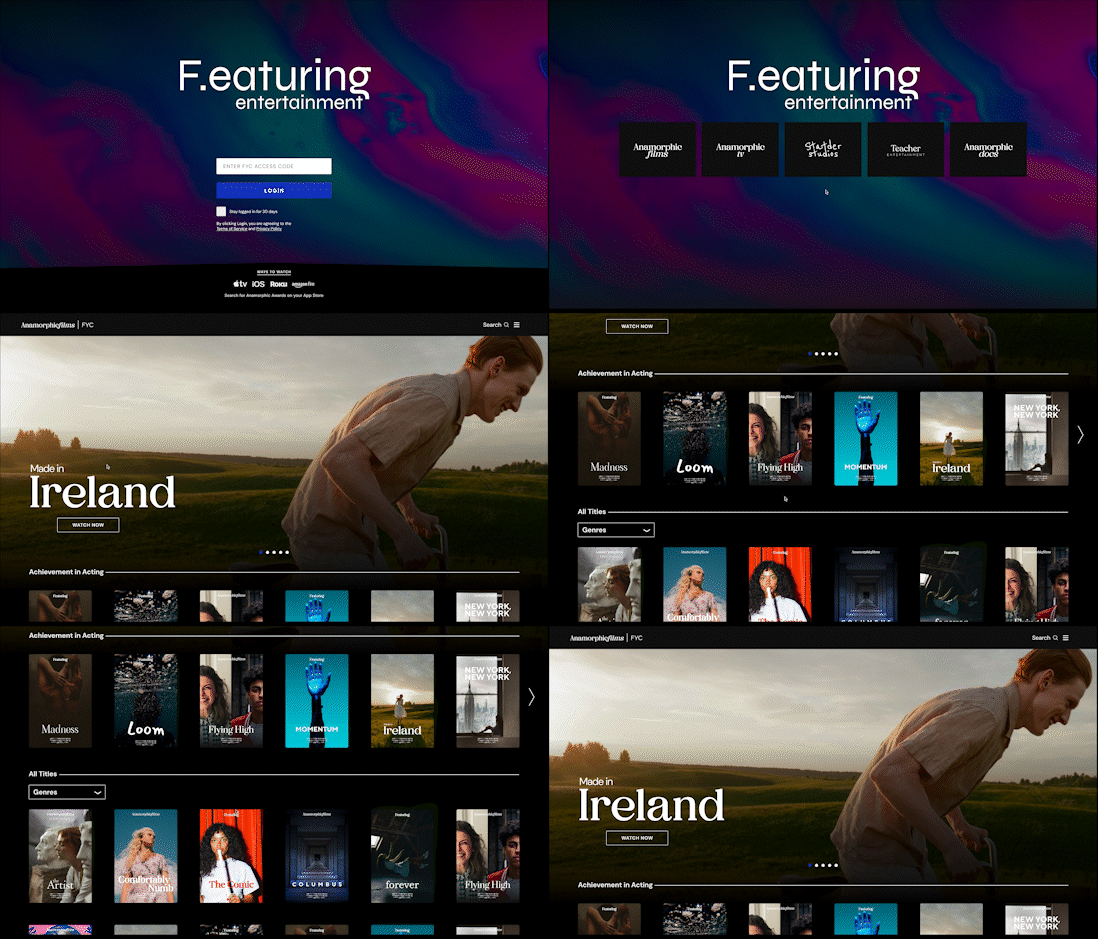
The viewing platform is slightly more complicated for Enterprise customers. Since these are major networks and studios publishing their content for various use cases, each use case determines a set of niche additional features, that are bundled with the viewing experience.

Enterprise - Visuals

Auth (PIN in case of Awards)

Brands Page (this is optional)

List of titles (with featured/hero image in case of Awards)

Title Display page